Played by Gleem’s servers
Gleem streams the video straight to Twitch with your stream key. Your PC, OBS and internet connection at home can stay off.
Gleem Rerun Manager Beta
Rerun Manager plays videos from your Gleem Media Library on your Twitch channel: right now, at a time you plan, or when a viewer requests one. Gleem’s servers stream the video to Twitch, so nothing has to run at home.
Rerun Manager, formerly at rerunmanager.com, is now part of Gleem.
Features
Set up your videos once. Gleem starts, queues and labels every rerun for you.
Gleem streams the video straight to Twitch with your stream key. Your PC, OBS and internet connection at home can stay off.
Reruns play one after another. A viewer’s request joins the queue, and the next video starts when the one before it ends.
Going live ends a running rerun. A rerun never interrupts your stream: one that comes due while you’re live waits, and is skipped if you stay live.
While a rerun plays, the stream title reads “↪ Rerun - ” and the video’s title, and the Twitch tag “Rerun” is added. Your own title, category and tags come back afterwards.
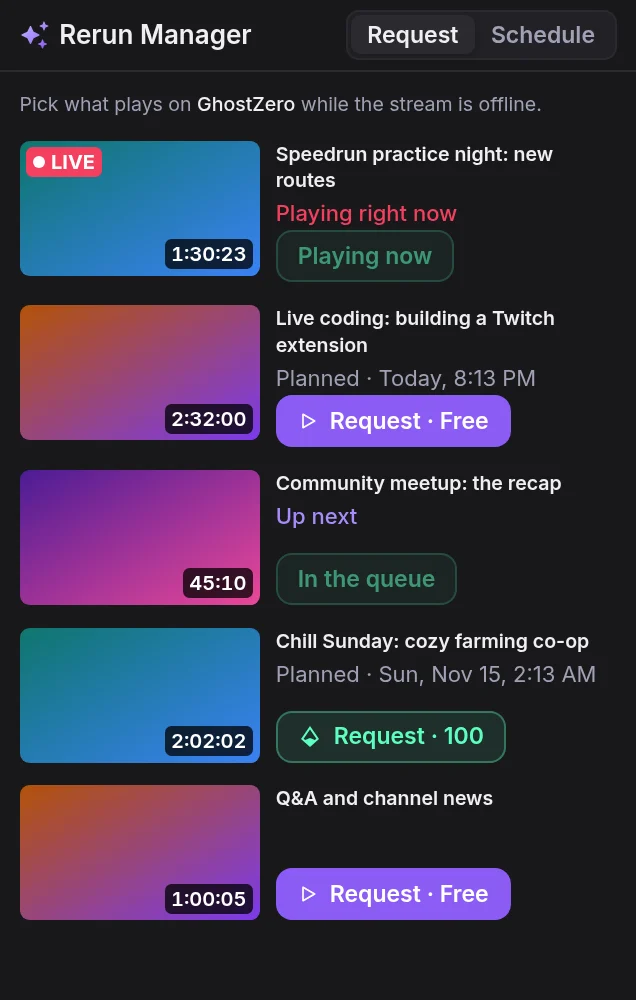
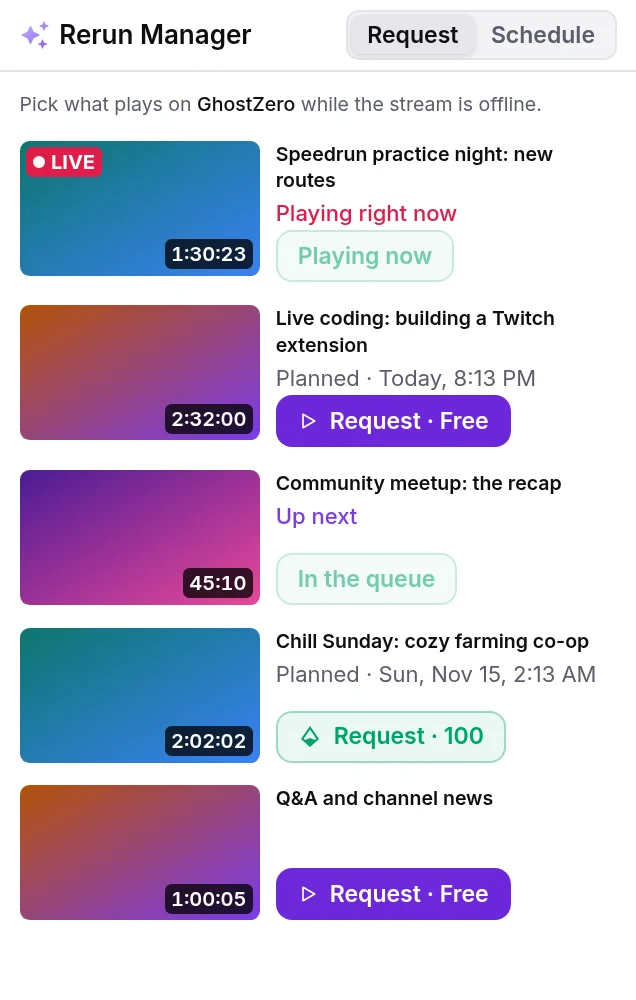
In the Rerun Manager panel on your channel, viewers request a video for free or for Bits. You decide which videos can be requested and what they cost.
Set a title, category and Bits price for each video. Limit requests per day and per viewer, and choose the hours requested reruns may play in.
On Twitch
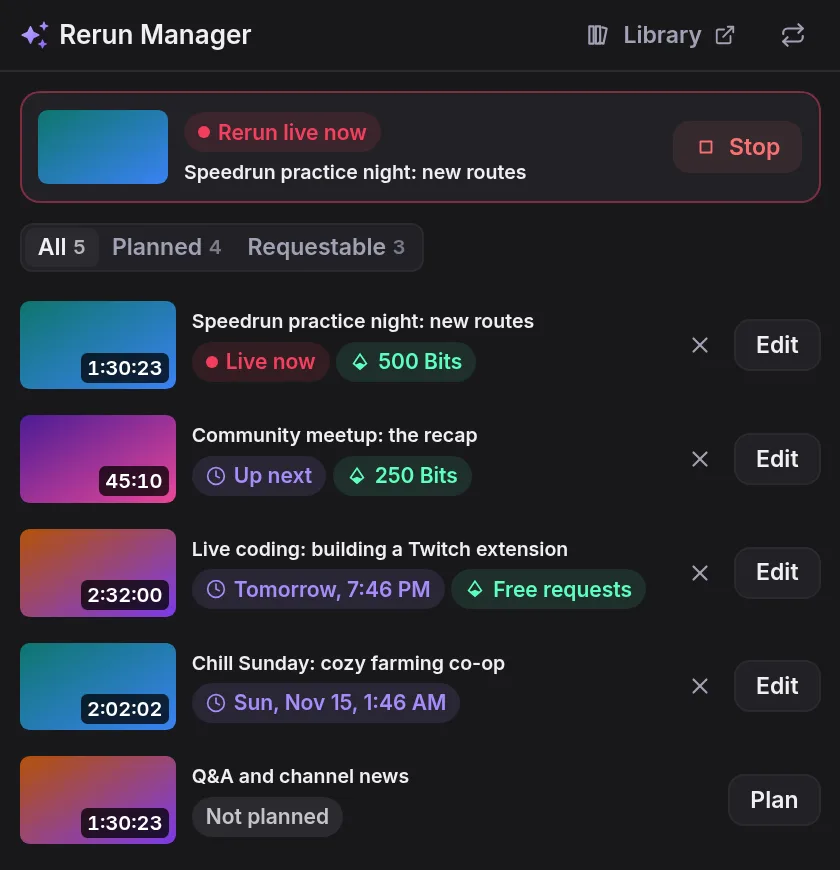
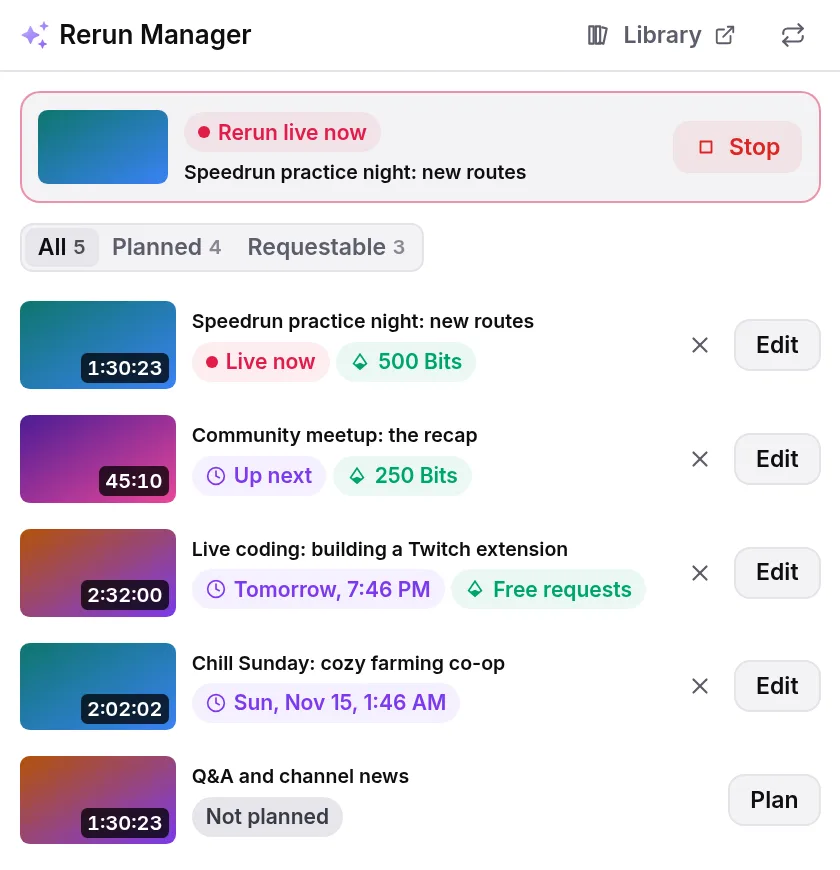
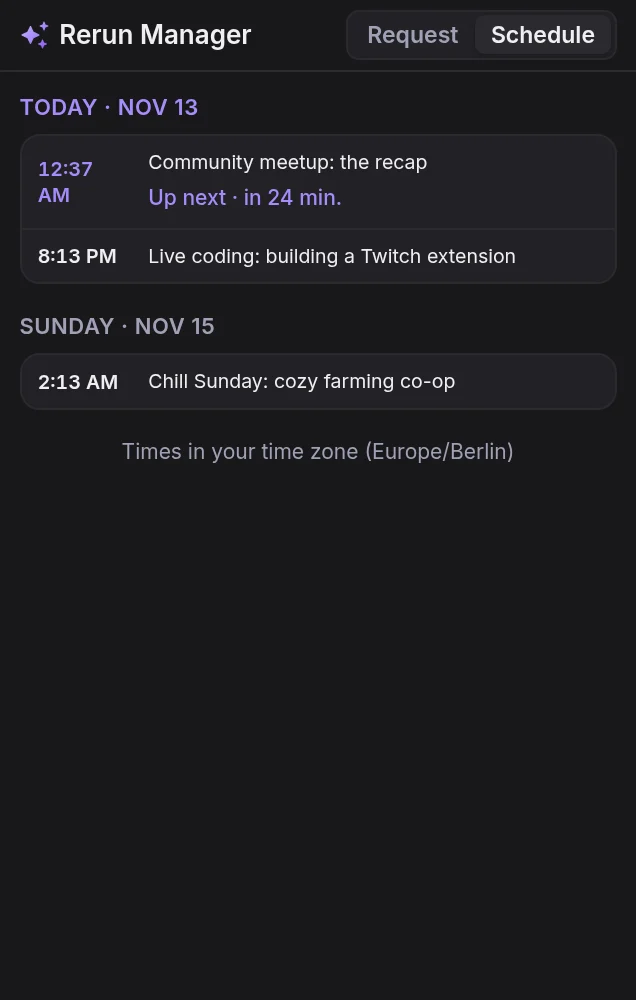
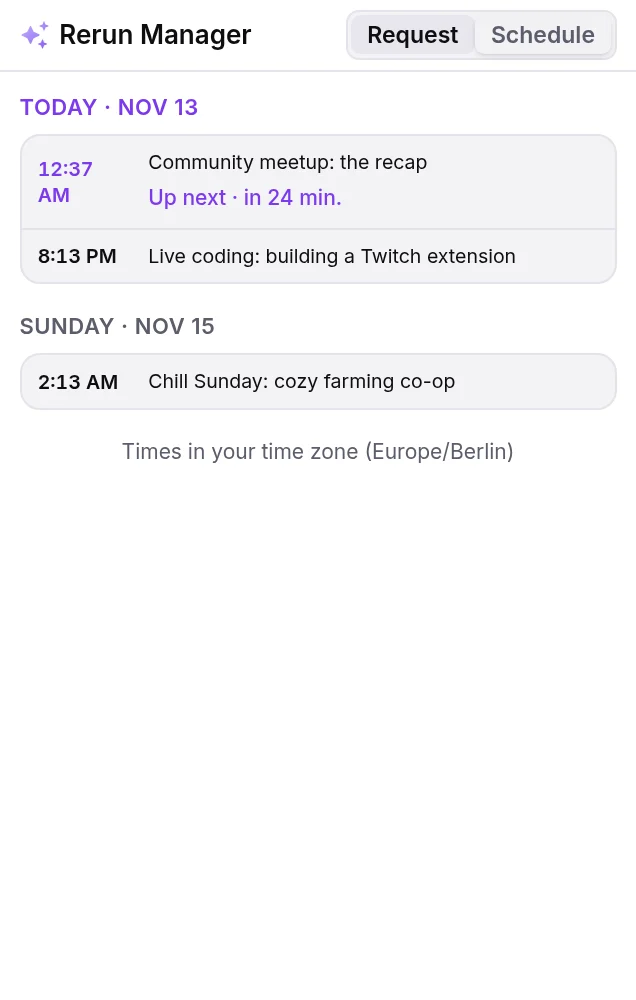
The Rerun Manager Twitch Extension brings reruns to your channel page and to your Stream Manager.
Request lists the videos viewers can play now. Schedule shows what is planned, in each viewer’s own time zone.
In your Stream Manager, see what is playing and what comes next, and start, plan or stop a rerun.
Opening the extension’s configuration page as the broadcaster turns on Reruns for your gleem.gg account.
How it works
Install Rerun Manager on your Twitch channel and open its configuration page. That turns on Reruns for your gleem.gg account.
Paste your Twitch stream key on the Reruns page on gleem.gg. It is stored encrypted, and it is the same key Direct streaming uses.
Upload videos to your Media Library. Finished videos show up on the Reruns page and in the extension.
Start a rerun now, plan one for later, or let viewers request videos from the panel.
No extension? You can join the Reruns beta on gleem.gg instead. Join the beta
Good to know
No. Gleem’s servers read the video from your Media Library and stream it to Twitch with your stream key, the way OBS would. Everything at home can stay off.
Not yet. Reruns play on Twitch only for now.
Your live stream takes over and a running rerun ends. A rerun that comes due while you’re live waits, and is skipped if you stay live. Viewers can’t request a rerun while you’re live.
Yes. While a rerun plays, the stream title starts with “↪ Rerun - ” and the Twitch tag “Rerun” is added. When it ends, your own title, category and tags are put back.
Finished videos in your Gleem Media Library. Upload them on gleem.gg, and each one shows up on the Reruns page and in the extension once it has been processed. Reruns play at up to 1080p.
You set a price per video, from 100 to 1,000 Bits, or make it free. A viewer requests it in the panel and pays through Twitch, and the rerun joins the queue once Twitch confirms the purchase. Bits are only offered where Twitch enables them on the channel.
Yes. On the Reruns page you set how many requests may play per day, how many per viewer per day, and the hours requested reruns may play in.
To stream to your channel. The key is stored encrypted and never shown again. If Twitch refuses it, the Reruns page asks you for your current one.
It is the usual way in: opening it as the broadcaster turns on Reruns. Without it, you can join the Reruns beta on gleem.gg with a linked Discord account and run reruns from your dashboard.
Rerun Manager is now part of Gleem. Reruns are set up on gleem.gg and play from your Gleem Media Library, and the extension on Twitch keeps the Rerun Manager name.
Get started
Install Rerun Manager on Twitch, add your stream key and pick your videos.
No extension? Join the Reruns beta